

How to Debug Systematically (Not by Guessing)
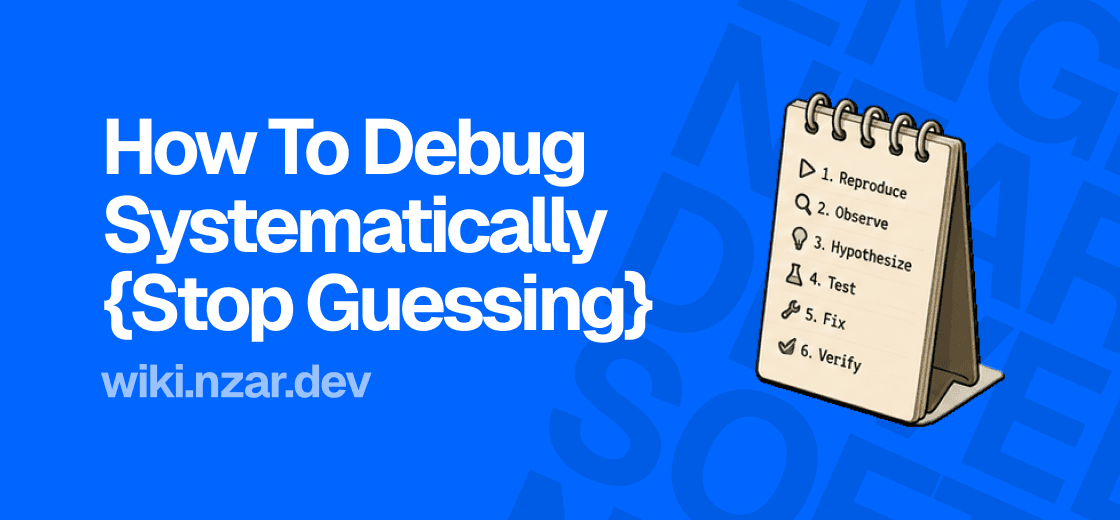
Something's broken. You change a line, hit save, refresh, and it's still broken. You change another line, refresh again, still broken. Twenty minutes later you're clicking around at random, half hoping the bug just fixes itself.
Every engineer has been there, and most spend years there before learning there's a better way. Debugging isn't about being smart enough to spot the bug on sight. It's a process, the same one every time, and once you actually follow it, most bugs stop being mysterious.
A quick, honest note before we start: this article goes a little deeper than the ones around it. If you're brand new to this and some of it feels like a lot right now, that's completely fine. Read it once, hold onto the big idea, and come back to it properly once you've written more code and run into a few real bugs of your own. We'll also point back to this article later on, from more advanced parts of the wiki, whenever a systematic process like this one becomes especially useful.
Guessing vs a Process
Here's the difference that matters. Guessing looks like changing things and hoping. You don't really know why the bug is happening, so you try a fix that worked last time on a different bug, or one you saw in a forum post, and just see if it sticks.
A process looks completely different. You don't touch the fix until you actually understand the problem. You reproduce it on purpose, narrow down exactly where it's coming from, form a real idea of why it's happening, and only then make a change, one you're already fairly confident will work, because you understand what's actually going wrong.
Guessing occasionally gets lucky. A process gets you there reliably, every time, and it's the only one of the two that makes you better at debugging the next bug too.
Step One: Reproduce It Reliably
Before you can fix a bug, you need to be able to make it happen again, on demand, whenever you want. This sounds obvious, but it's the step most people skip, jumping straight to changing code before they've actually confirmed exactly what triggers the problem.
Ask yourself: what are the exact steps that cause this? Does it happen every time, or only sometimes? Does it need specific input, a specific button clicked first, a specific piece of data? A bug you can't reliably reproduce is a bug you can't reliably confirm you've actually fixed, you'll just be guessing again, later, about whether it's really gone.
Step Two: Isolate the Problem
Once you can reliably trigger the bug, the next job is narrowing down exactly where it's coming from. Big codebases make this feel harder than it is, but the technique is simple: cut the problem in half, repeatedly, the same idea as the binary search we'll cover properly in the Data Structures & Algorithms chapter.
If a page isn't loading data correctly, is the problem in how the data's fetched, or how it's displayed afterward? Comment out half the suspect code, or add a console.log partway through, and check whether the problem is still there before or after that point. Each check cuts your search space roughly in half. A bug hiding somewhere in a thousand lines becomes a bug hiding in fifty, then five, in just a few rounds of this.
Step Three: Form a Real Hypothesis
This is the step guessing skips entirely, and it's the most important one. Before changing anything, state, out loud or in writing, exactly what you think is going wrong and why. Not "maybe this will fix it," but "I think this variable is undefined at this point, because this function is being called before the data finishes loading."
This is exactly where reading errors and stack traces properly, from the last article, pays off directly. The error type, the message, and the exact line the stack trace points to are usually enough to form a specific, testable hypothesis instead of a vague hunch.
Step Four: Test the Hypothesis, One Change at a Time
Now, and only now, make a change, but just one. Add a log to confirm your hypothesis before you even try to fix it. If you thought a variable was undefined at a certain point, print it out and check. Were you right?
If you were, you've genuinely found the bug, and the fix is usually obvious from here. If you weren't, that's not a failure, it's useful information. It just ruled out one possibility, and you go back to step three with a slightly narrower set of guesses to choose from. Either way, changing exactly one thing at a time means you always know precisely what caused whatever happened next.
Step Five: Fix It, Then Actually Verify
Once you've made the real fix, go back to step one and reproduce the original bug again, using the exact same steps that triggered it the first time. Confirm it's actually gone, not just that the page looks fine at a glance.
It's tempting to declare victory the moment the error message disappears. Resist that. Sometimes a "fix" just moves the problem somewhere else, or masks the symptom instead of solving the actual cause. Reproducing the original steps one more time is the only way to know for sure.
The Rubber Duck Method
Here's a strange but genuinely effective trick worth knowing: explain your code, out loud, line by line, to literally anyone or anything, a coworker, a friend, or even a rubber duck sitting on your desk. This is where the technique gets its name, and no, it's not a joke, it's a real and widely used habit among experienced engineers.
The reason it works has nothing to do with the duck. Explaining something forces you to slow down and actually articulate what each line is supposed to do, instead of skimming past it the way you do when reading silently. More often than you'd expect, you'll spot the actual bug yourself, mid-sentence, before you even finish explaining it.
Why Random Changes Backfire
It's worth being honest about why guessing feels appealing even though it works poorly. It feels faster. Reading, reproducing, and narrowing down all take a few extra minutes up front, and changing a random line feels like immediate action.
But guessing has a hidden cost: even when it works, you don't actually learn why it worked. The exact same category of bug will trip you up again next month, and you'll be back to guessing, from scratch, all over again. A systematic approach takes a little longer the first few times, and gets faster every time after, because you're actually building an understanding of how your system breaks, not just patching one symptom at a time.
Using AI Without Skipping the Thinking
Here's the honest reality today: the moment most people hit a bug, their first move is copying the entire file, pasting it into an AI tool, and typing "fix this." Sometimes it works. But if that's your default move every time, you haven't actually gotten faster at debugging, you've just outsourced the guessing. Instead of you randomly changing things, the AI is now randomly generating things, and you still don't know why the bug happened in the first place.
There's a much better way to bring AI into this process, and it's simply to let AI slot into the steps you already have, instead of replacing them. Reproduce and isolate the bug yourself first, exactly like steps one and two above. By the time you go looking for help, you should already have a specific, narrowed-down piece of code, not an entire file.
Then, instead of asking AI to fix it, ask it to reason with you. Share your hypothesis from step three along with the small, isolated snippet: "I think this is failing because this value is undefined at this point, does that look right to you?" That question gets you a genuinely useful second opinion. "Here's my whole file, fix it" gets you a guess dressed up as an answer, one you still have to trust blindly, because you never actually understood the problem yourself.
Whatever the AI suggests, treat it exactly like you'd treat your own hypothesis from step four: something to test, not something to accept on faith. Ask it to explain why the bug happens, not just what to change, and check that explanation against what you already know about your own code. This keeps you the one actually doing the debugging, with AI as a sharp assistant helping you think it through faster, instead of a black box you're blindly trusting to hand back working code. We'll go deeper on using AI tools well, and where they genuinely help versus quietly make you worse at this job, later in this same part.
Why This Matters
The next time something breaks, resist the urge to start changing things immediately. Reproduce it first. Narrow it down. Say out loud what you actually think is wrong before you touch a single line. It'll feel slower for about the first ten bugs, and then it'll become the fastest way you know to fix anything.
This is also, quietly, one of the biggest differences between a junior and a senior engineer. Not that senior engineers see bugs faster. It's that they trust the process enough to actually follow it, instead of panicking and reaching for the nearest random change. That trust is built one deliberate, unhurried debugging session at a time, starting with your very next bug.
Go Deeper
Here's a good resource from freeCodeCamp if you want a solid, free walkthrough of this whole process:

- "What is Debugging? How to Debug Your Code for Beginners," German Cocca. A clear, practical guide that walks through debugging step by step, with real code examples, and pairs well with the process laid out in this article.